Buying guide / 01
Best UV Printers for Small Business
Choose a small-shop UV printer by product, workable setup and ongoing costs.
Quick answer
Start with direct UV for flat phone cases and acrylic. For tumblers, compare a compatible rotary setup with UV DTF transfers. If your first orders are for decals on hard goods, test outsourced UV DTF transfers before buying production equipment.
Compare by job
Scroll the table to see all four columns.
| What you sell | Workflow to compare | Costs to include | Check before buying |
|---|---|---|---|
| Flat phone cases and acrylic | Desktop or flatbed direct UV | Blank, fixture, ink, cleaning supplies | Usable bed area with the fixture fitted and adhesion on the actual blank |
| Tumblers and other curved blanks | Rotary direct UV or an applied UV DTF transfer | Compatible rotary fixture or purchased transfers, plus application time | Diameter, taper and handle clearance for rotary printing, or transfer adhesion on the blank |
| Decals for hard goods | Outsourced UV DTF transfers or in-house UV DTF | Purchased sheets or film and lamination, plus application time and reprints | How many usable decals fit on each sheet and how long each takes to apply |
Compare LONGER ePrint configurations by job
These U.S. purchase options are based on the manufacturer’s bundle descriptions. We may earn a commission through links on the product page.
Flat phone cases and acrylic
Compare the Single UV base machine if the blank and fixture fit on the bed. Test adhesion on your actual case or acrylic before committing to a batch.
See the Single UV base machine →Tumblers
Compare the Single UV Rotary Combo if you plan to print directly on compatible tumblers. Confirm the rotary fits the blank’s diameter and check clearance around handles and tapers.
See the Single UV Rotary Combo →Hard-goods decals
Start with outsourced sheets if you are testing demand. If you decide to make transfers in-house, compare the Single UV Laminator Combo and confirm compatible A/B film and what the bundle includes.
See the Single UV Laminator Combo →
Start with the order
A phone case, a cylindrical cup and an acrylic sign create three different equipment requirements. Start by listing the largest blank, the number of pieces you expect to make together and the finish customers are paying for. Measure the fixture and the item as a unit. Add the time it takes to load, align and unload every batch.
Flat cases and acrylic
The E1 is a starting point when raised artwork and desktop flat work matter. Consider the O1 Single UV for rigid goods and compare the exact attachment list. For fixture-heavy work, compare the V6 and V11 Pro by how many parts fit on the usable area. Verify adhesion on the material you intend to sell before committing to a batch.
Cups and other curved goods
A rotary setup holds and rotates a compatible blank. Check diameter and clearance, including handles and tapers. An applied transfer can be a better fit when a blank does not fit the machine or when you already have a source for transfer sheets. Include hand-application time and the cost of failed placements.
Price the full workbench
Ask for an itemized U.S. quote in USD for the machine, the fixture or rotary you need, your first ink and cleaning supplies, and any applicable film or lamination hardware. Track setup, cleaning, application time and reprints separately. Divide the run cost by the number of sellable pieces to compare workflows on the same basis. Check required clearances, operating conditions, software support and parts availability before ordering.
What we compared
This shortlist uses manufacturer specifications and compatibility documents. The recommendations follow stated workflows and accessory requirements. Shop speed and reject rates require a trial with your own blanks.
Equipment to compare

A desktop starting point for textured flat goods, with optional workflows for cylindrical pieces and transfers.
Three versions for shops deciding whether to add specialty UV effects or a separate fabric workflow.
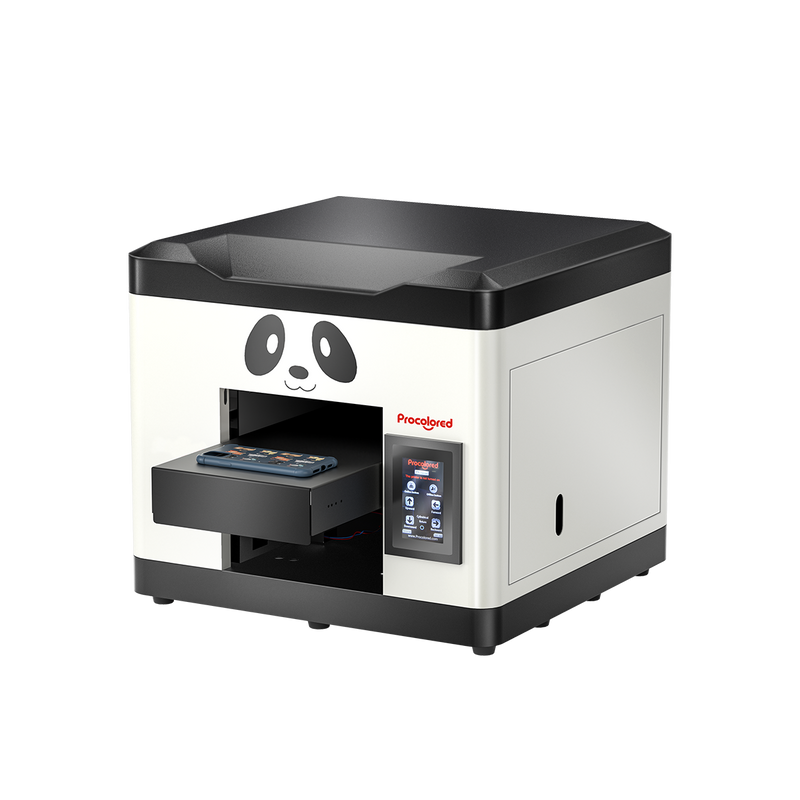
An A4-class flatbed for operators who need more width than the V4.
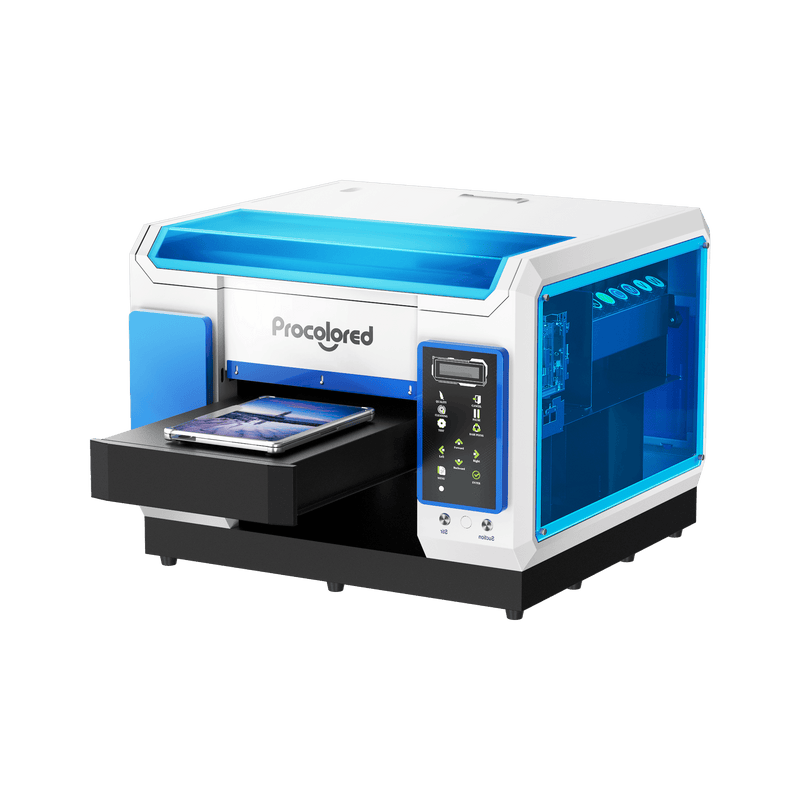
A wider flatbed for shops batching flat pieces or evaluating a varnish workflow.