
xTool O1 UV DTF A/B Film Roll Set
FilmFor xTool O1 Omni
Direct UV / xTool
Three versions for shops deciding whether to add specialty UV effects or a separate fabric workflow.

Configuration / US
One UV printhead. Start here for rigid goods and compatible transfer workflows.
Start from the substrates you sell. Compare the exact inks and attachments needed for each version, then confirm the delivery window.
No verified U.S. affiliate purchase link is available for this product.
Three versions for shops deciding whether to add specialty UV effects or a separate fabric workflow.
Start from the substrates you sell. Compare the exact inks and attachments needed for each version, then confirm the delivery window.
| Field | Manufacturer information |
|---|---|
| Workflow | Direct UV |
| Model | xTool O1 Omni |
| Configuration details | Single UV, Dual UV and UV + DT editions; optional OR1 rotary, LM1 laminator and RF1 roll feeder. |
Verify the exact configuration and workspace requirements in the manufacturer documentation.
Start from the substrates you sell. Compare the exact inks and attachments needed for each version, then confirm the delivery window.
Plan around the material, usable bed, fixture and selected finish. Test a blank before batch production.
See the phone-case workflowConfirm the footprint, software requirements, cleaning routine, lead time and U.S. warranty terms for the version you choose.
Manufacturer documentation ↗| Configuration | What to check |
|---|---|
| Single UV | One UV printhead. Start here for rigid goods and compatible transfer workflows. |
| Dual UV | Two UV printheads. Verify specialty ink support for the finish and substrate you intend to sell. |
| UV + DT | Separate UV and fabric printheads. Verify the fabric workflow and included tray before ordering. |
For xTool O1 Omni

For xTool O1 Omni

For xTool O1 Omni
Start from the substrates you sell. Compare the exact inks and attachments needed for each version, then confirm the delivery window.
Use manufacturer documentation to confirm the configuration, included accessories and U.S. warranty terms.

A desktop starting point for textured flat goods, with optional workflows for cylindrical pieces and transfers.
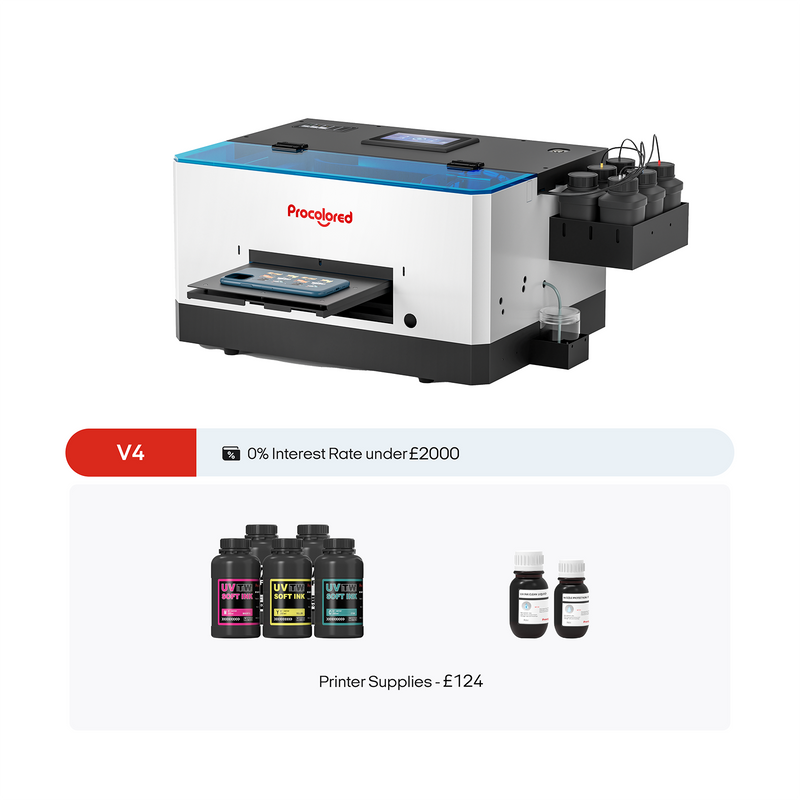
A compact flatbed to evaluate for single small items and short runs.
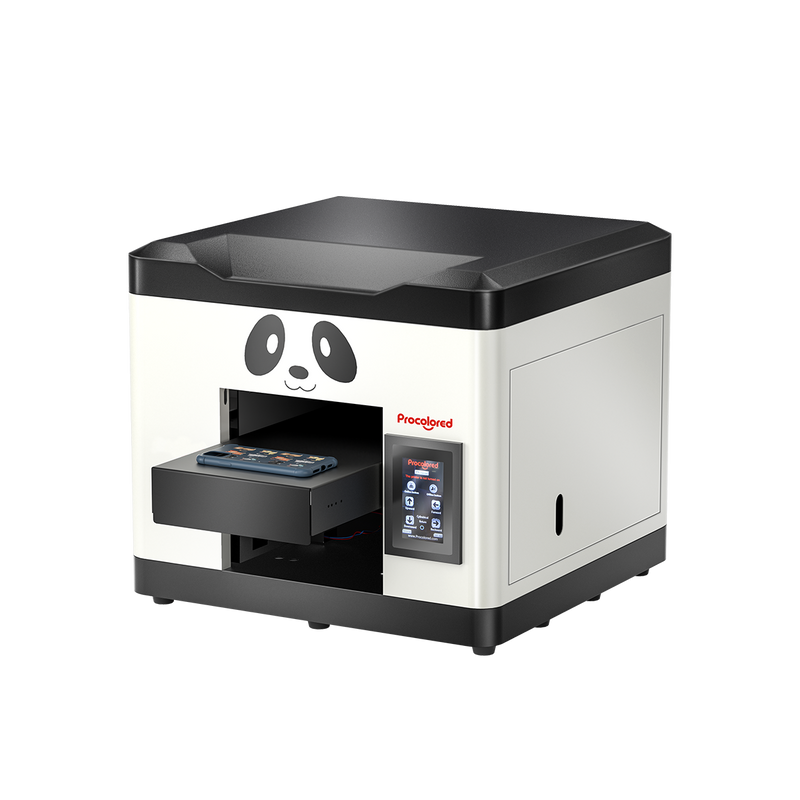
An A4-class flatbed for operators who need more width than the V4.
No verified U.S. affiliate purchase link is available for this product.